 YS LabsAll apps →
A program, not just a blocker
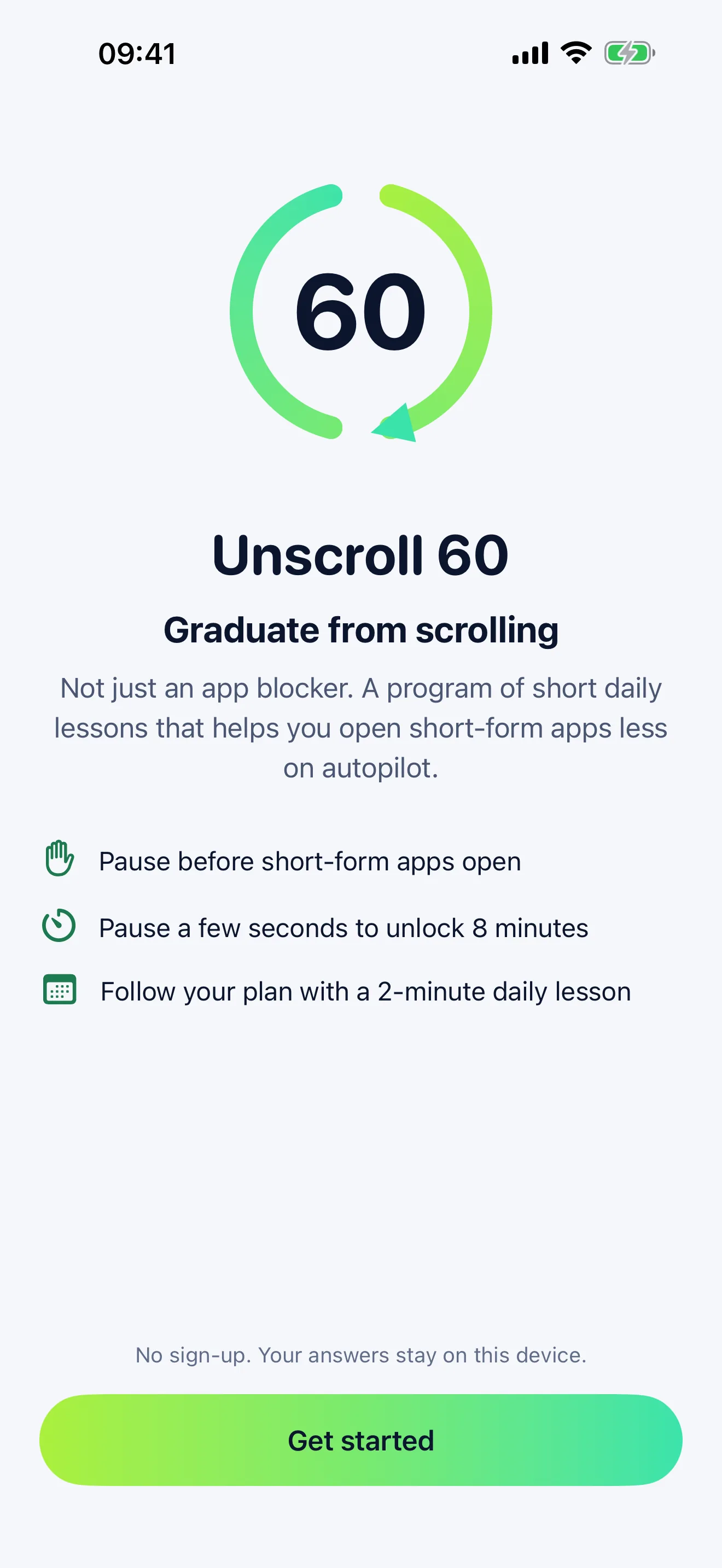
- Why a program. App blockers stop working the moment you switch them off. Unscroll 60 adds a short lesson and a small mission each day, so you learn when and why you reach for your phone and build your own rules.
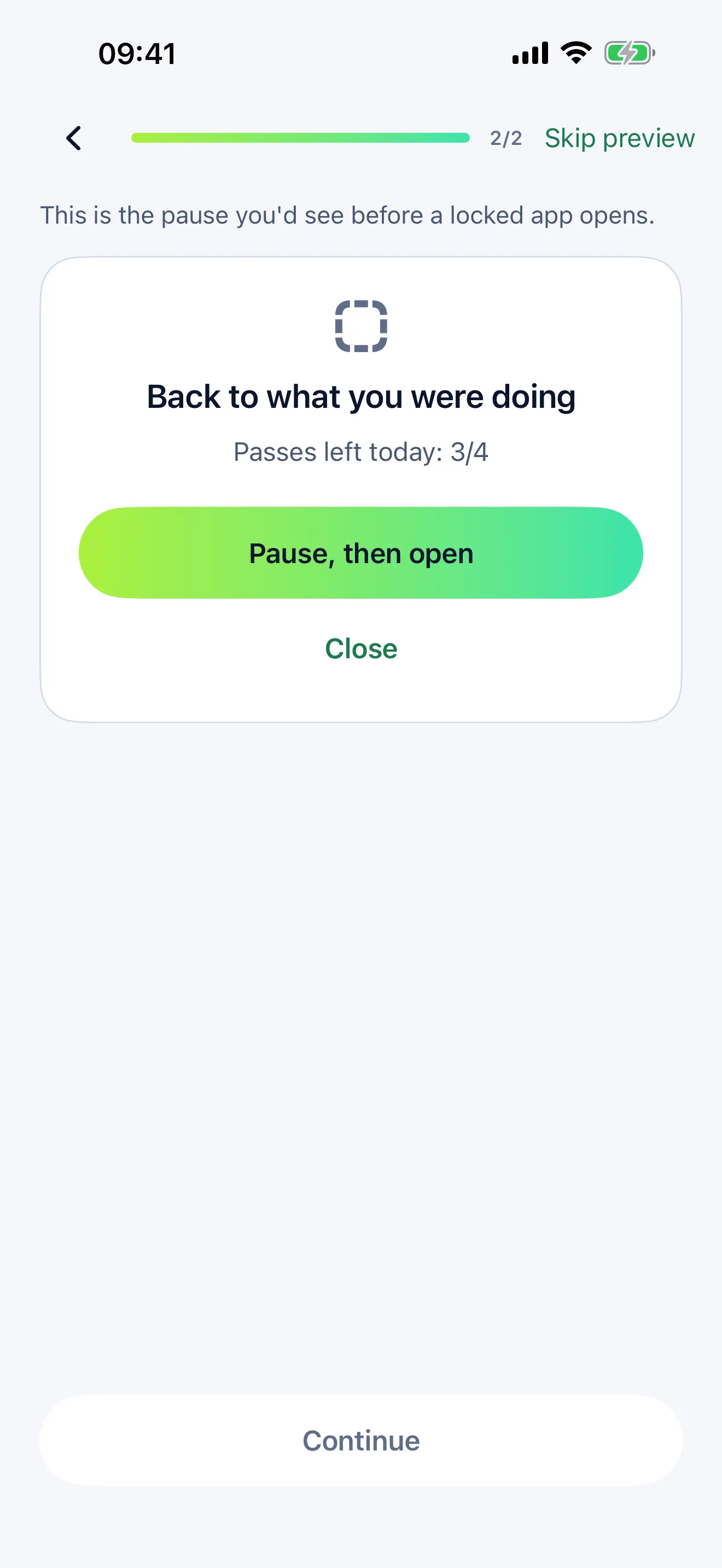
- Why a pause. Opening a short-form app is often a reflex. A few seconds of waiting is enough to notice it and decide on purpose.
- Why passes. You don't have to quit. You choose how many 8-minute passes a day fit your goal, from 1 to 4.
- 한국어 요약. 언스크롤 60(Unscroll 60)은 숏폼 영상 앱을 무심코 여는 습관을 줄이도록 돕는 iPhone 앱입니다. 고른 앱을 열면 잠깐 멈춤 화면이 먼저 나오고, 몇 초 기다리면 8분 동안 열립니다(하루 최대 4번). 매일 2분 레슨으로 30일 또는 60일 동안 4단계를 거칩니다. 가입 없음, 광고 없음, 앱 화면은 영어입니다.
Key facts
| Fact | Value |
|---|---|
| Platform | iPhone (App Store) |
| Minimum OS | iOS 17.0 or later |
| Price | Free to download. The program needs a subscription: Annual $29.99 a year with a 7-day free trial, or Monthly $4.99 a month (US prices, vary by country) |
| Ads | None |
| Account | None. No sign-up or login |
| Screen Time | Uses Apple's Screen Time (Family Controls) on your own iPhone. Apple gives the app coded tokens, never the names of your apps, and they never leave your iPhone |
| AI | Optional. If you agree, quiz answers and in-app totals go through our server to Anthropic's Claude to arrange your lessons. You can turn the AI plan off any time in Settings |
| Program length | 30 or 60 days, in four stages |
| Languages | English |
| Category | Productivity |
| Developer | YS Labs, South Korea |
How it works
- Answer six quick questions: how much short-form video you watch, where your time goes, when you reach for your phone, what you'd do with less scrolling, how many minutes a day you want, and when to take your lesson.
- See your plan, try a sample lesson and the pause screen, then start your subscription.
- Allow Screen Time access and notifications, choose the apps to pause, and start the lock.
- When you open a chosen app, the pause screen appears. Tap Pause, then open, then tap the notification to come to Unscroll 60. Wait a few seconds (4, 6, 8, then 10 seconds through the day), and the apps open for 8 minutes. They lock again on their own.
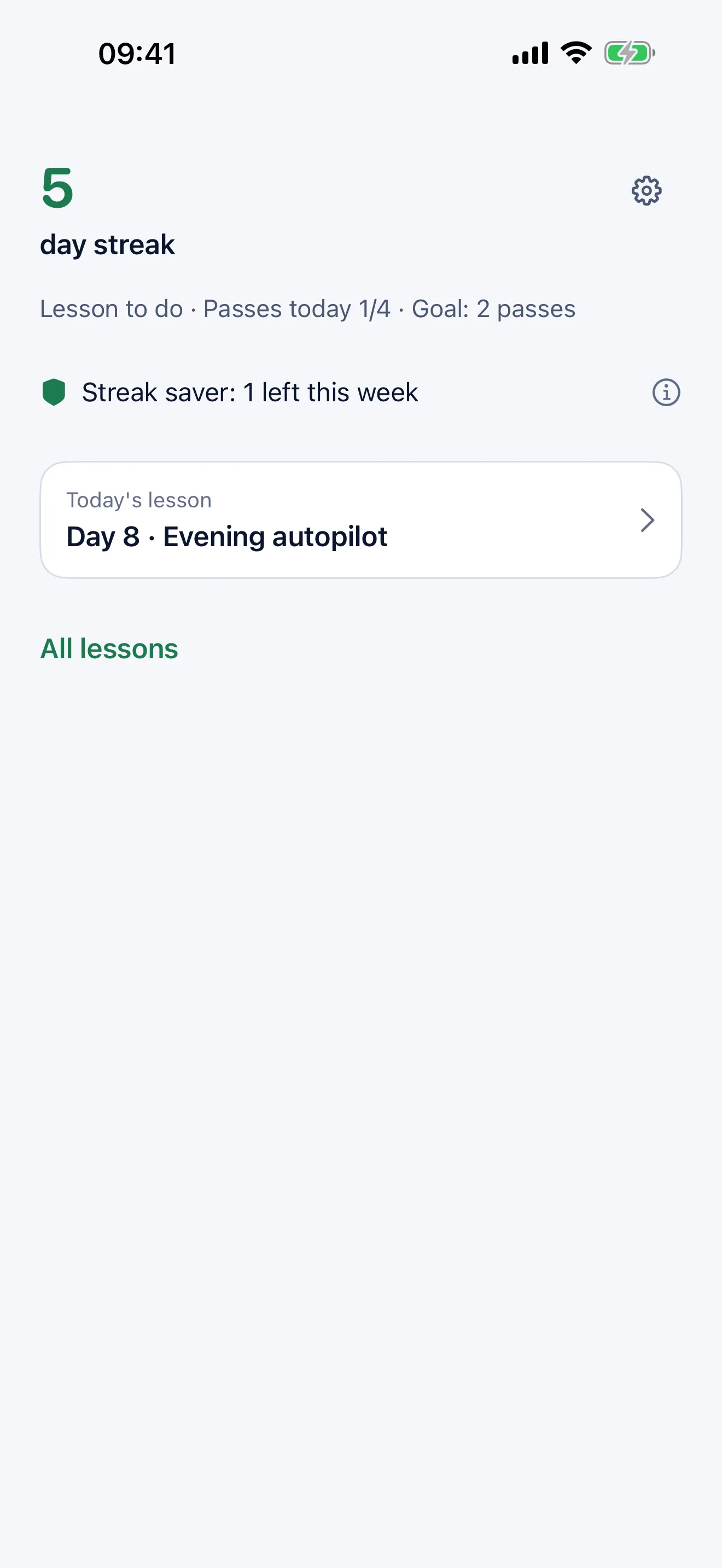
- Take your 2-minute lesson and do the day's mission. Finish the lesson and stay within your goal, and the day counts toward your streak. A streak saver covers one missed day each week.
The four stages
| Stage | 60-day program | What you practice |
|---|---|---|
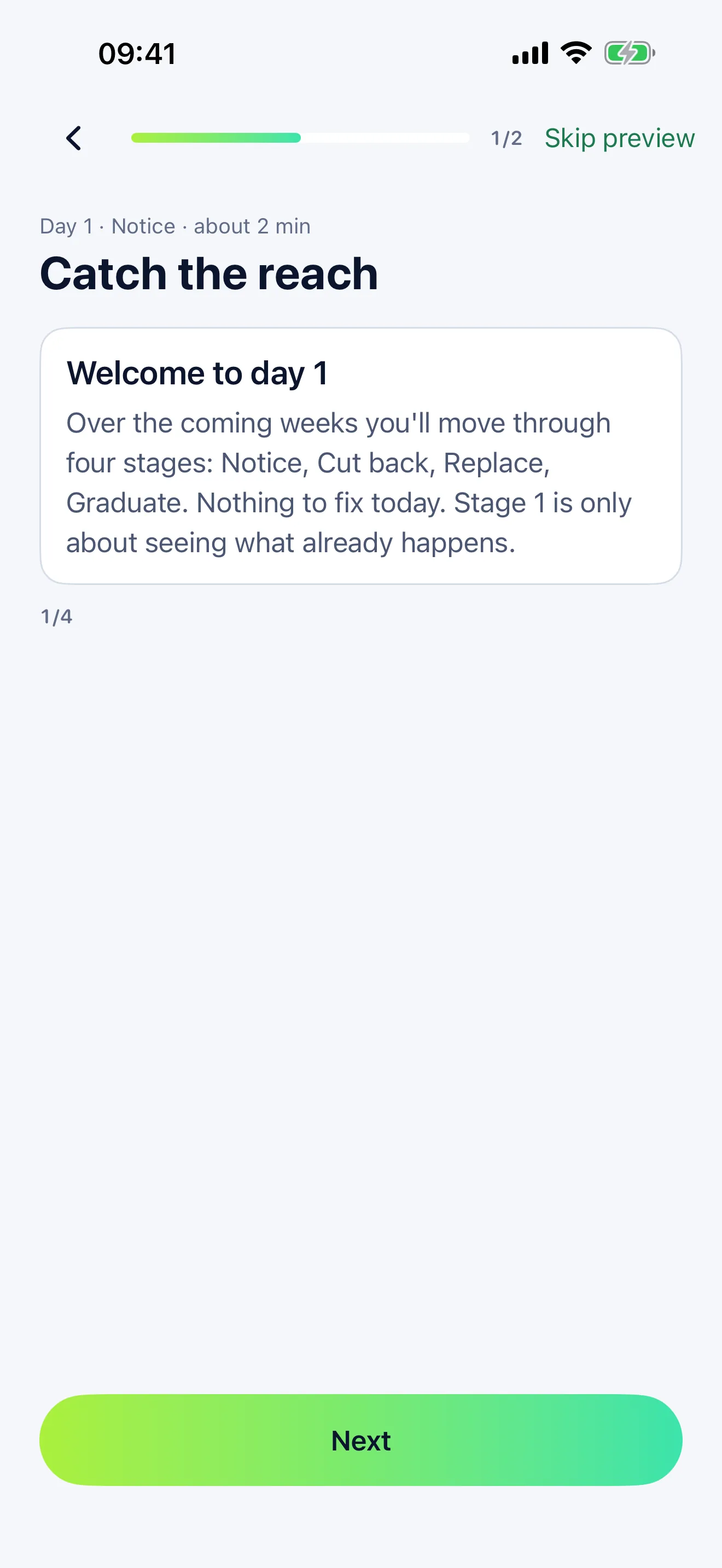
| Notice | Days 1–14 | See when and why you reach for your phone |
| Cut back | Days 15–30 | Practice staying within your unlocks |
| Replace | Days 31–46 | Fill scrolling time with something else |
| Graduate | Days 47–60 | Build your own rules that work without the lock |
The 30-day program covers the same four stages in shorter steps.
AI plan (optional)
- With your consent, Unscroll 60 can arrange your remaining lessons around your answers and your progress, make your week lighter after a hard stretch, and adjust once a week. You can also rearrange your remaining days up to 3 times a month.
- It sends your quiz answers, your chosen length and pace, and in-app totals such as passes used and lessons completed. It never sends app names, what you watch, your Screen Time data, or anything you type.
- Your plan is saved only on your iPhone. Our server keeps each result for up to 10 minutes. Anthropic deletes requests within 30 days and does not use them for training.
- Turn AI plan off in Settings and nothing is sent. Your current plan stays.
Privacy
- No account and no ads. We do not sell personal information or share it for advertising.
- Crash reports and anonymous usage events are linked only to a random ID, never to your name, email or Apple ID.
- Delete all data on this iPhone in Settings removes your plan, progress and settings from the iPhone. Your subscription isn't affected.
- Full details: Privacy Policy.
Pricing
Free to download. Prices are in US dollars for the US App Store and vary by country.
| Plan | Price (USD) | Free trial |
|---|---|---|
| Annual | $29.99 a year | 7 days |
| Monthly | $4.99 a month | None |
Subscriptions renew automatically unless cancelled at least 24 hours before the end of the current period. Manage or cancel in your Apple Account settings. See the Terms of Use.
Frequently asked questions
Does Unscroll 60 see what I watch or type?
No. Apple's Screen Time gives the app only coded tokens for the apps you choose. The app never sees app names, what's inside your apps, your messages or your screen.
Do I have to stop using short-form apps?
No. You choose how many 8-minute passes a day fit your goal, from 1 to 4. The goal is to open them on purpose, not on autopilot.
What happens if I turn off Screen Time access?
The pause stops working. Unscroll 60 notices when you come back to the app and asks you to turn access back on. Days with access off don't count toward your streak, but your weekly streak saver can cover one.
Is the AI required?
No. The AI plan is optional and asks for your consent first. Without it you follow the standard plan.
Does it work on iPad?
Unscroll 60 is made for iPhone.
How do I cancel?
iPhone Settings > your name > Subscriptions > Unscroll 60. Deleting the app does not cancel a subscription.
Download and support
Last updated: