 YS LabsAll apps →
Key facts
| Platforms | iPad and iPhone (App Store) · Android phones and tablets (Google Play) |
| Minimum OS | iOS / iPadOS 15.0 or later · Android 7.0 or later |
| Price | Free download. Drawing is free. Loops use credits sold as one-time in-app purchases (no subscription) |
| Internet | Not needed for drawing, saving or timelapses. Needed to make a loop |
| Accounts | None |
| Where data goes | Drawings stay on the device. Only when a loop is made, the drawing picture and a short motion instruction go through YS Labs' relay server (Netlify) to Anthropic (Claude, which describes the motion) and xAI (Grok Imagine, which makes the clip). The relay keeps no copy |
| Ads, tracking, analytics | None |
| Languages | App: English. Store pages: English and Korean |
| Latest version | 1.0.3 (App Store: October 20, 2026 · Google Play: October 2026) |
| Age rating | App Store 4+ · Google Play: Everyone (IARC 3+, PEGI 3) |
| Category | App Store: Graphics & Design · Google Play: Art & Design |
| Publisher | YS Labs, South Korea |
How it works
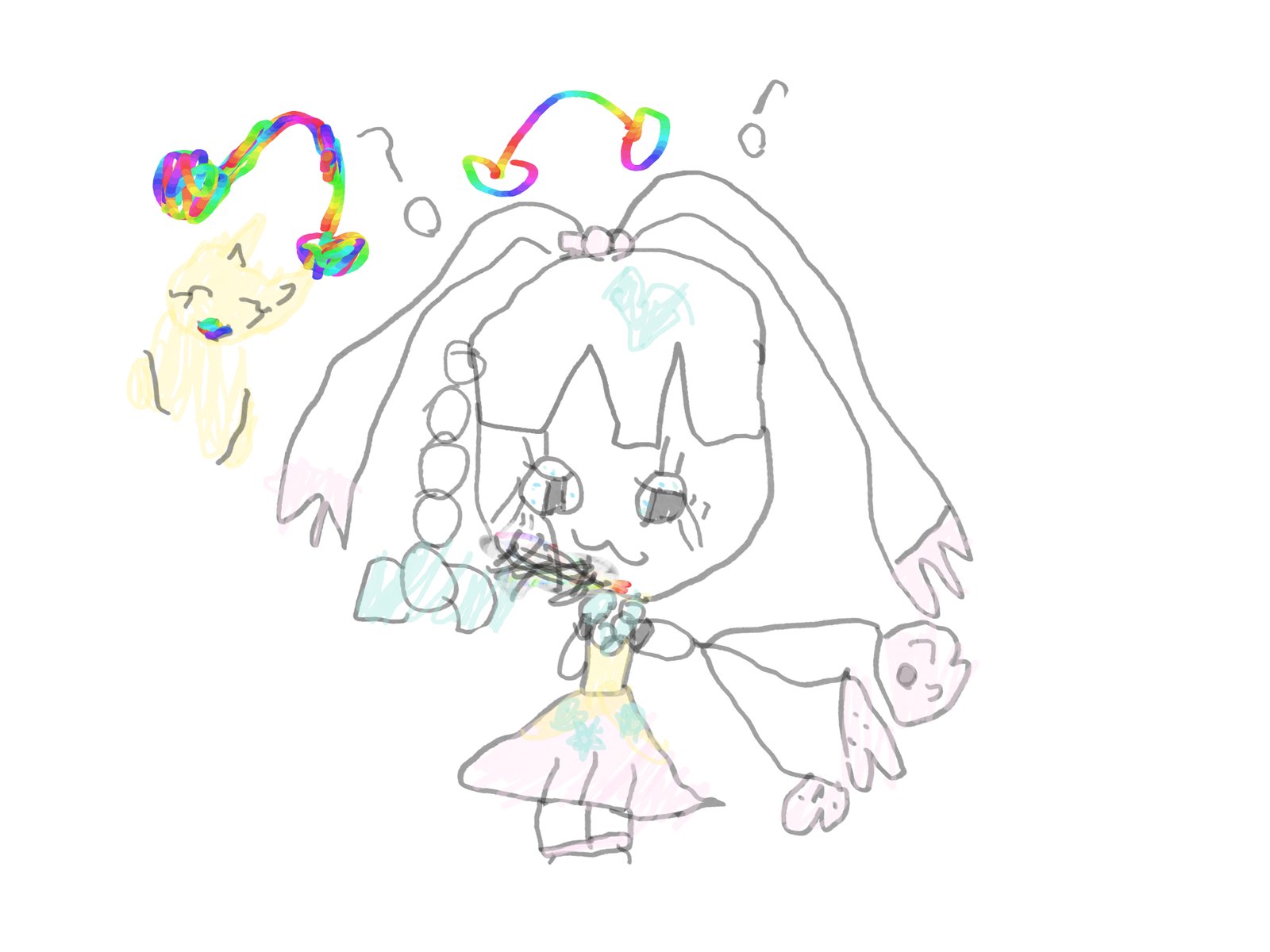
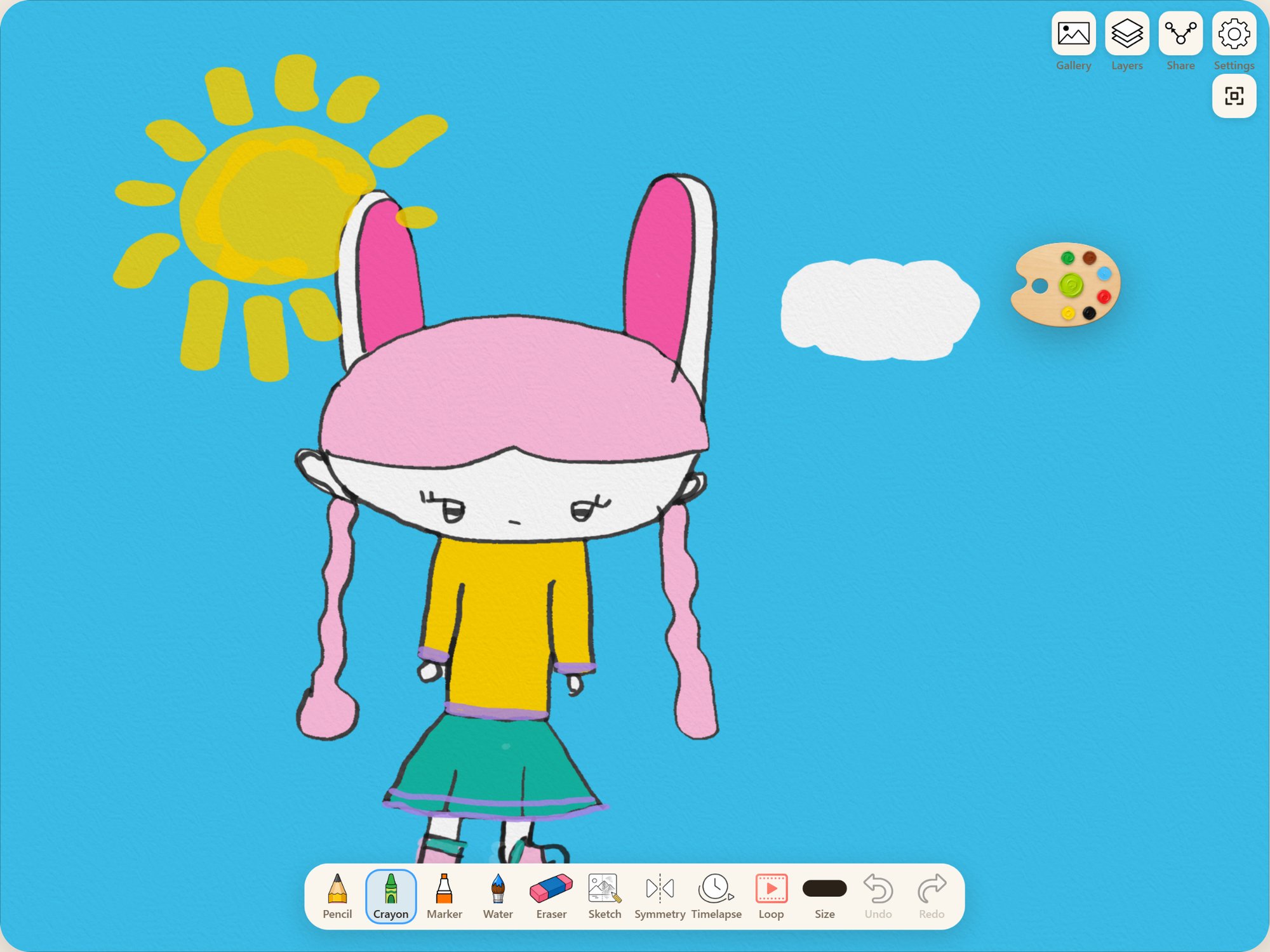
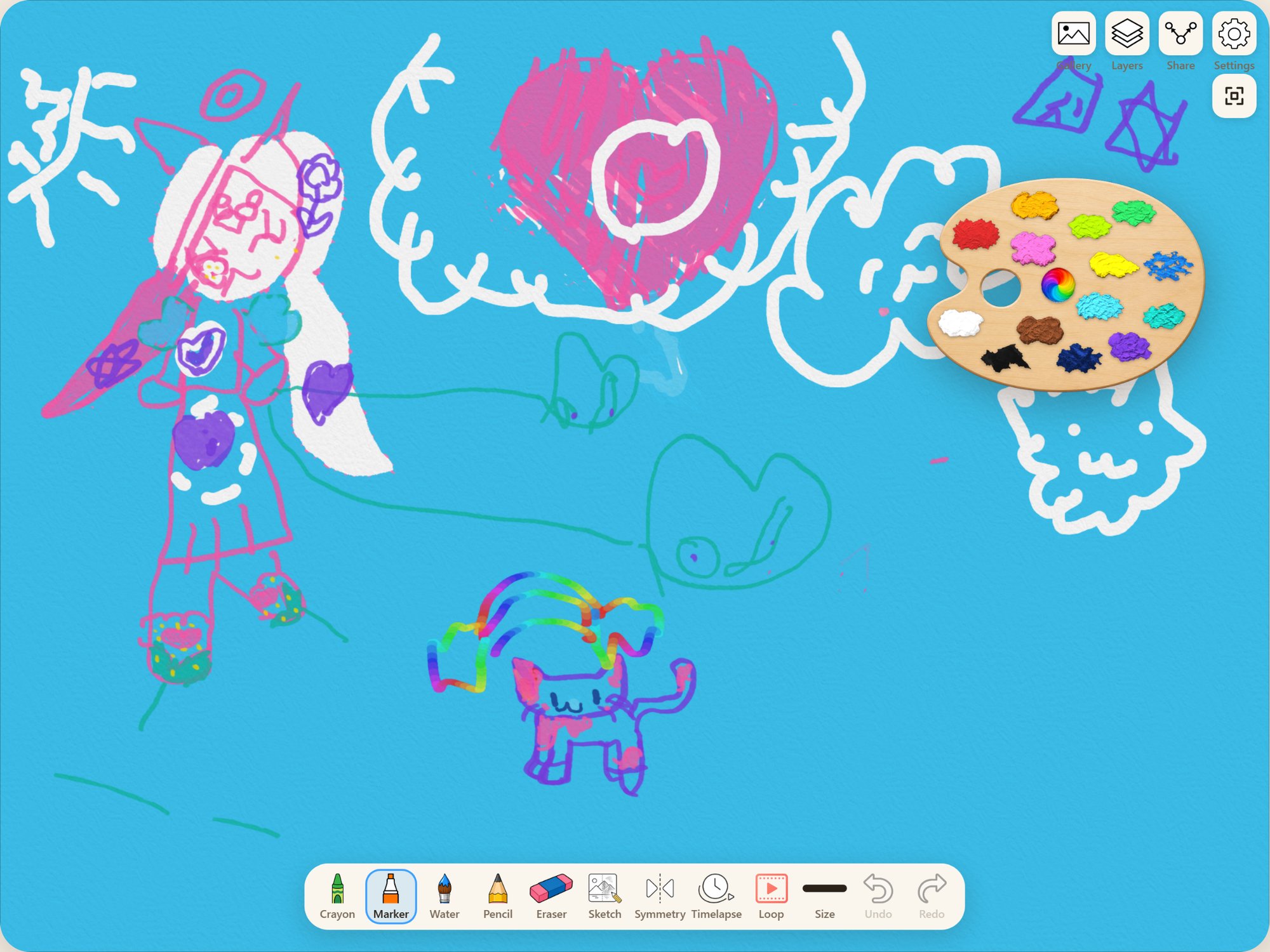
- Draw with pencil, crayon, marker, watercolor and more — with a finger or a stylus. Drawings save by themselves.
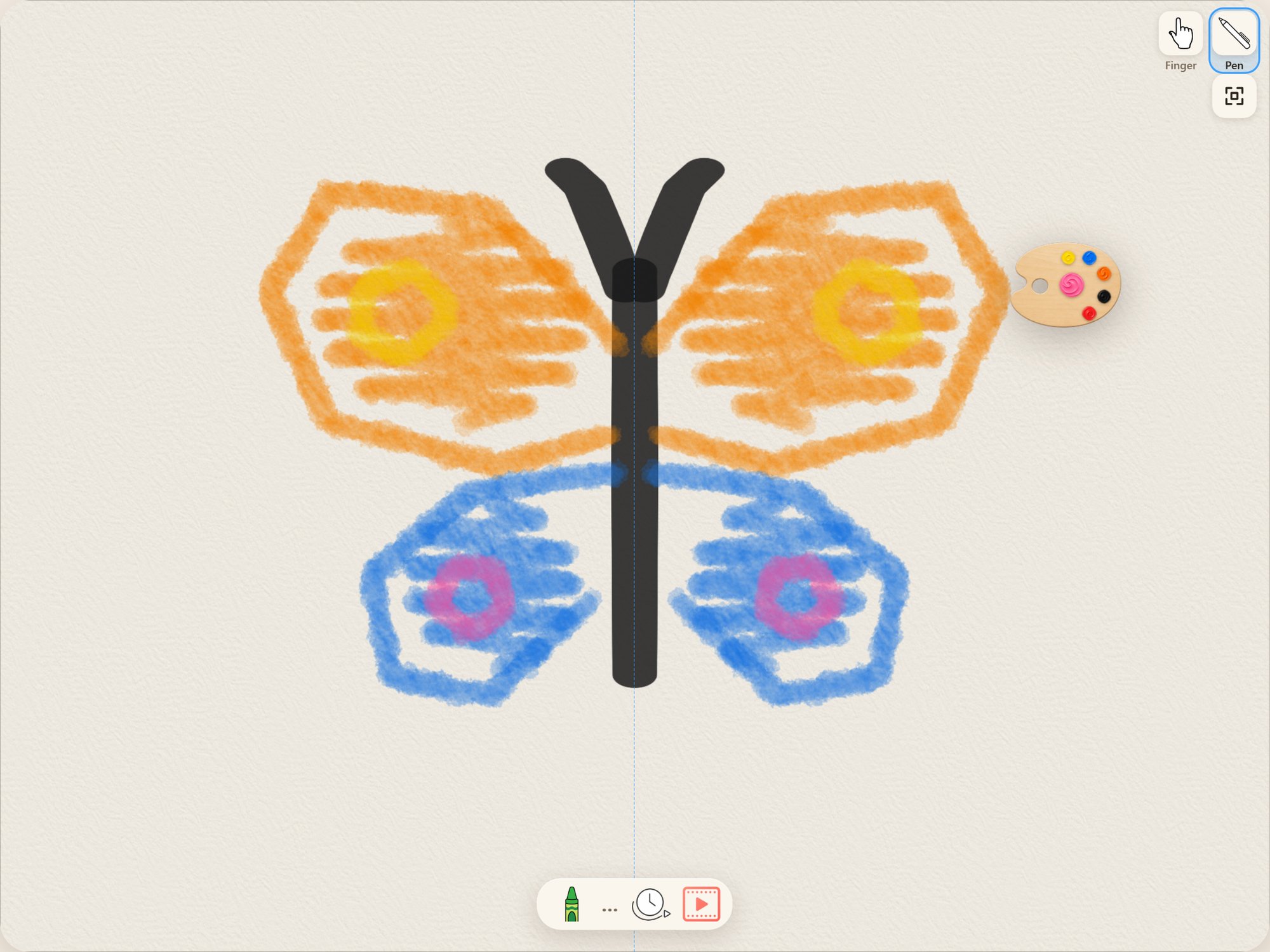
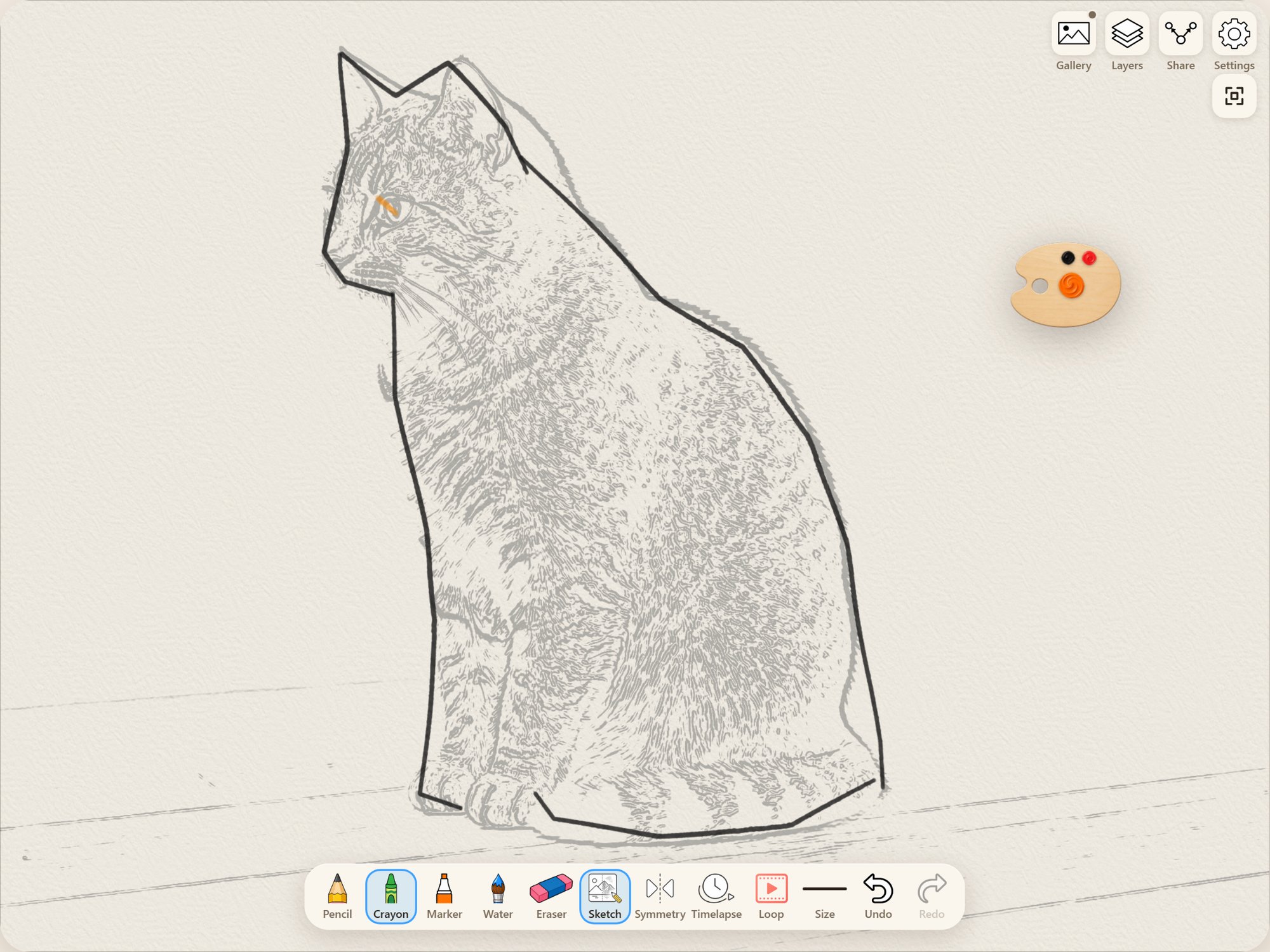
- Use helpers if you like: symmetry, tracing over a photo, a mixing palette, shape snapping.
- Watch the timelapse of how the drawing was made and save it as a video.
- To make a loop, tap Loop, pick 6, 10 or 15 seconds and tap Start loop creation. The first time, a grown-up passes the grown-up gate and allows the drawing to be sent.
- The AI animates the drawing into one short clip with gentle sound, labeled "Animated with AI". Save it as a video or GIF, or share it.
Made for
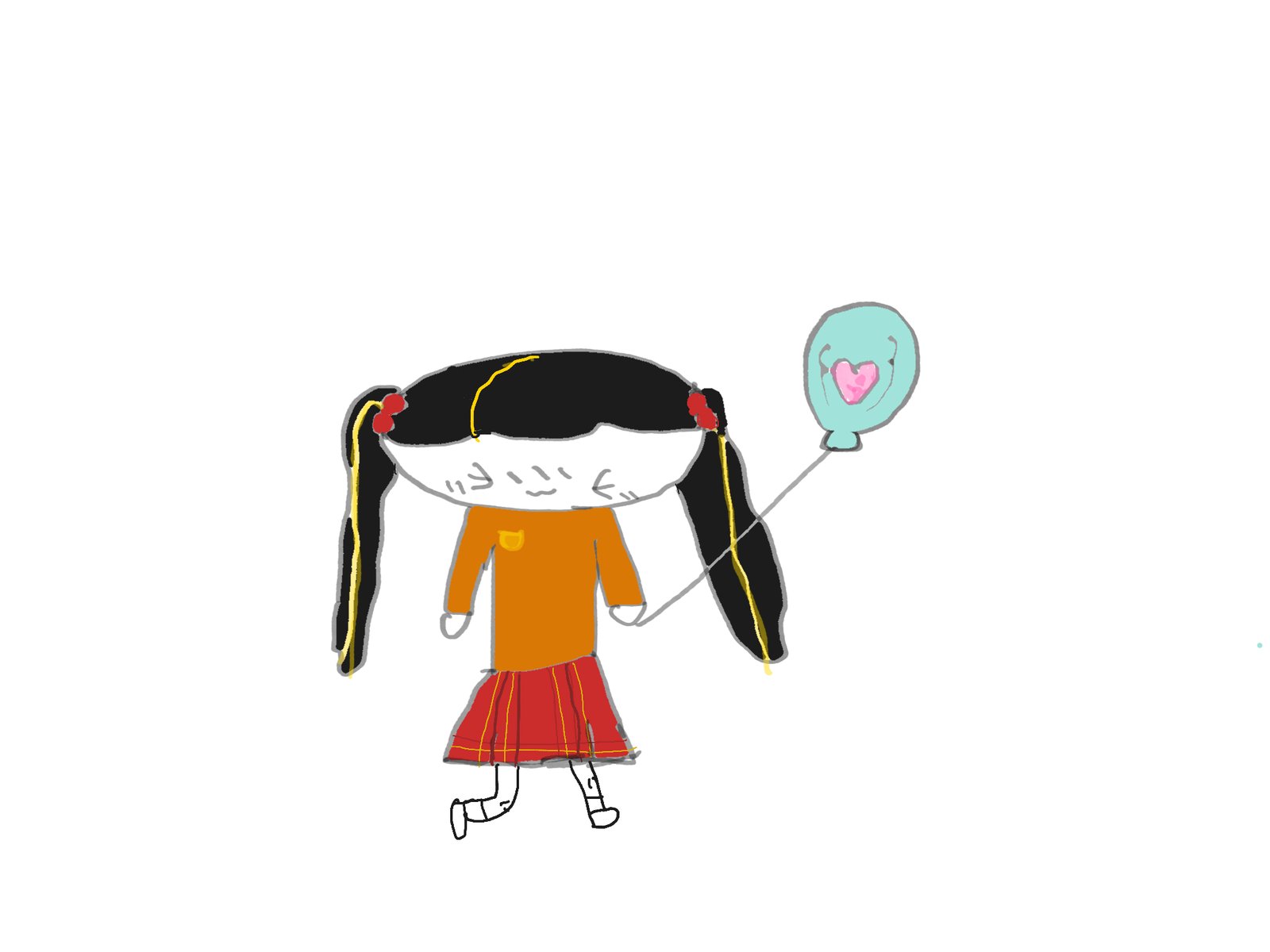
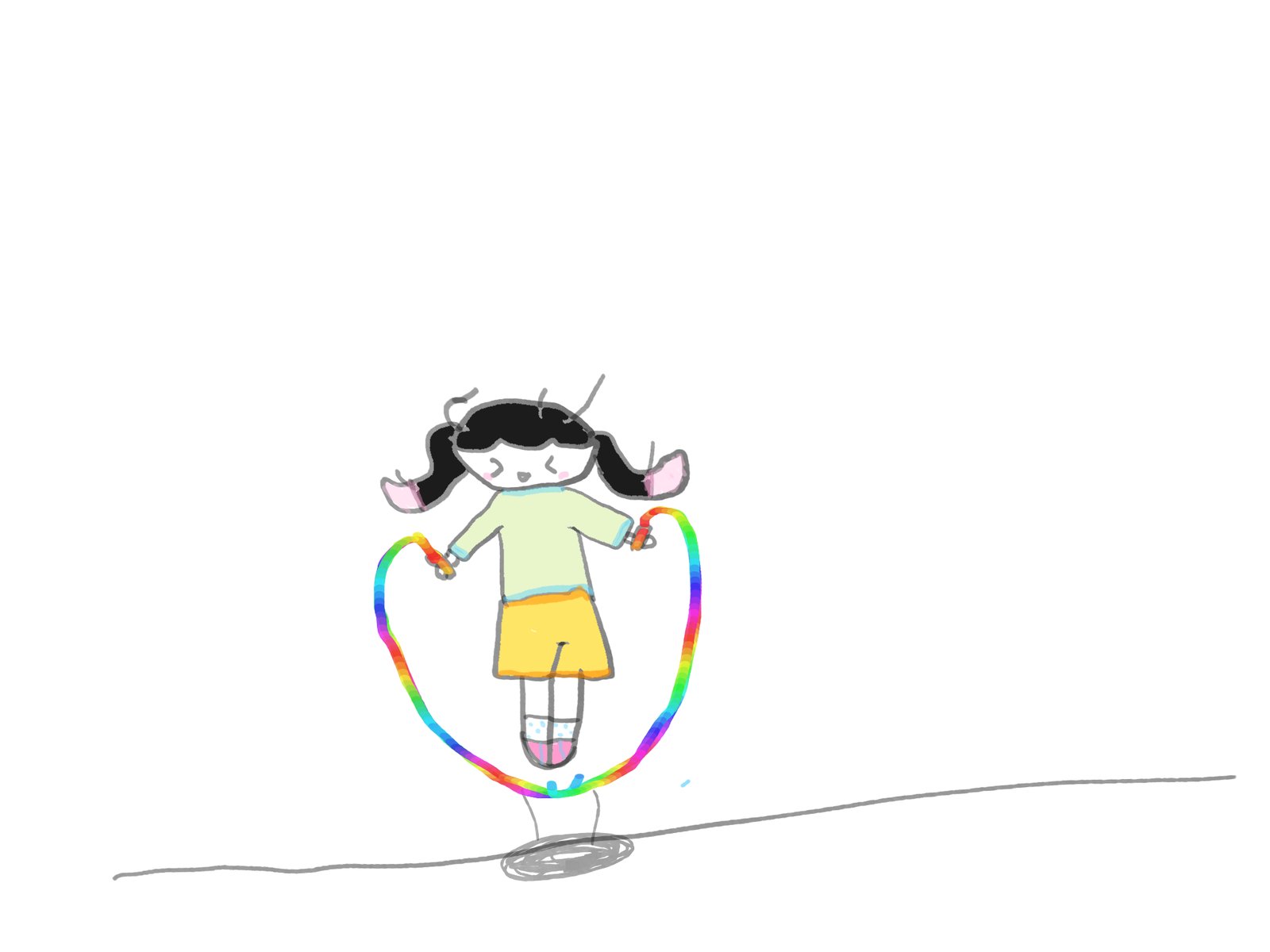
- A rainy afternoon at home. A child draws freely with crayon and watercolor on a tablet, with nothing to clean up.
- Drawing a pet. A child picks a photo of the family pet, traces its outline over the faint photo lines, then colors it in.
- A keepsake of how it was drawn. A parent saves the timelapse of a child's drawing as a short video to send to grandparents.
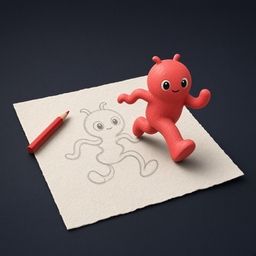
- A drawing that moves. A grown-up turns a finished drawing into a 6-second loop, so the child sees their own picture come alive.
- A Christmas card. A child makes a card from a drawing or its loop, picks a frame and adds a greeting or handwriting, then saves it.
Pricing
| Name | Price (USD) | Type | Includes |
|---|---|---|---|
| Drawing | Free | — | All drawing tools, gallery, timelapse, saving and sharing |
| 3 Loop Credits | $5.99 | One-time (consumable) | 3 credits for loops |
| 10 Loop Credits | $17.99 | One-time (consumable) | 10 credits for loops |
| 30 Loop Credits | $49.99 | One-time (consumable) | 30 credits for loops |
A loop uses 1 credit for 6 seconds, 2 for 10 seconds and 3 for 15 seconds. Same names and USD prices on the App Store and Google Play; other countries see local prices set by the stores.
Frequently asked questions
Is doodloop free?
Yes. Downloading and drawing are free; only loops use credits, sold in one-time packs.
Does doodloop have ads?
No. There are no ads, no chat, no social feed and no account.
Is there a subscription?
No. Credit packs of 3, 10 or 30 are one-time purchases, and nothing renews.
How many credits does a loop use?
One for 6 seconds, two for 10 seconds and three for 15 seconds. A credit is used only when a clip is delivered.
Does doodloop work offline?
Yes, for drawing, saving and timelapses. Making a loop needs an internet connection.
What age is doodloop for?
It is rated 4+ on the App Store and Everyone on Google Play. Buying credits and sending a drawing for the first loop are behind a grown-up gate.
Is the loop made by AI?
Yes. Loops are generated by AI (xAI's Grok Imagine) and labeled "Animated with AI"; the drawing itself stays the child's.
What data leaves the device?
Only when you make a loop: the drawing picture and a short motion instruction, sent to make that one clip. Drawings, timelapses and settings stay on the device.
Does it work with Apple Pencil or a stylus?
Yes. Strokes respond to pressure and tilt with Apple Pencil or a stylus, and a finger works too.
Can I save my drawings, timelapses and loops?
Yes. They save to the Photos app on iPad and iPhone or to the gallery on Android, and loops can also be saved as GIFs.
Do credits move to a new device?
No. Credits are kept on the device they were bought on and cannot be restored after the app is removed.
Which devices does it run on?
iPad and iPhone with iOS or iPadOS 15 or later, and Android phones and tablets with Android 7.0 or later.
Download and support
Last updated: